What You Should Know About Single-Board Computers
Single-board computers integrate CPU, RAM, storage on one circuit board. Run Linux/Windows, cost less than traditional PCs, ideal for automation, gaming, servers.
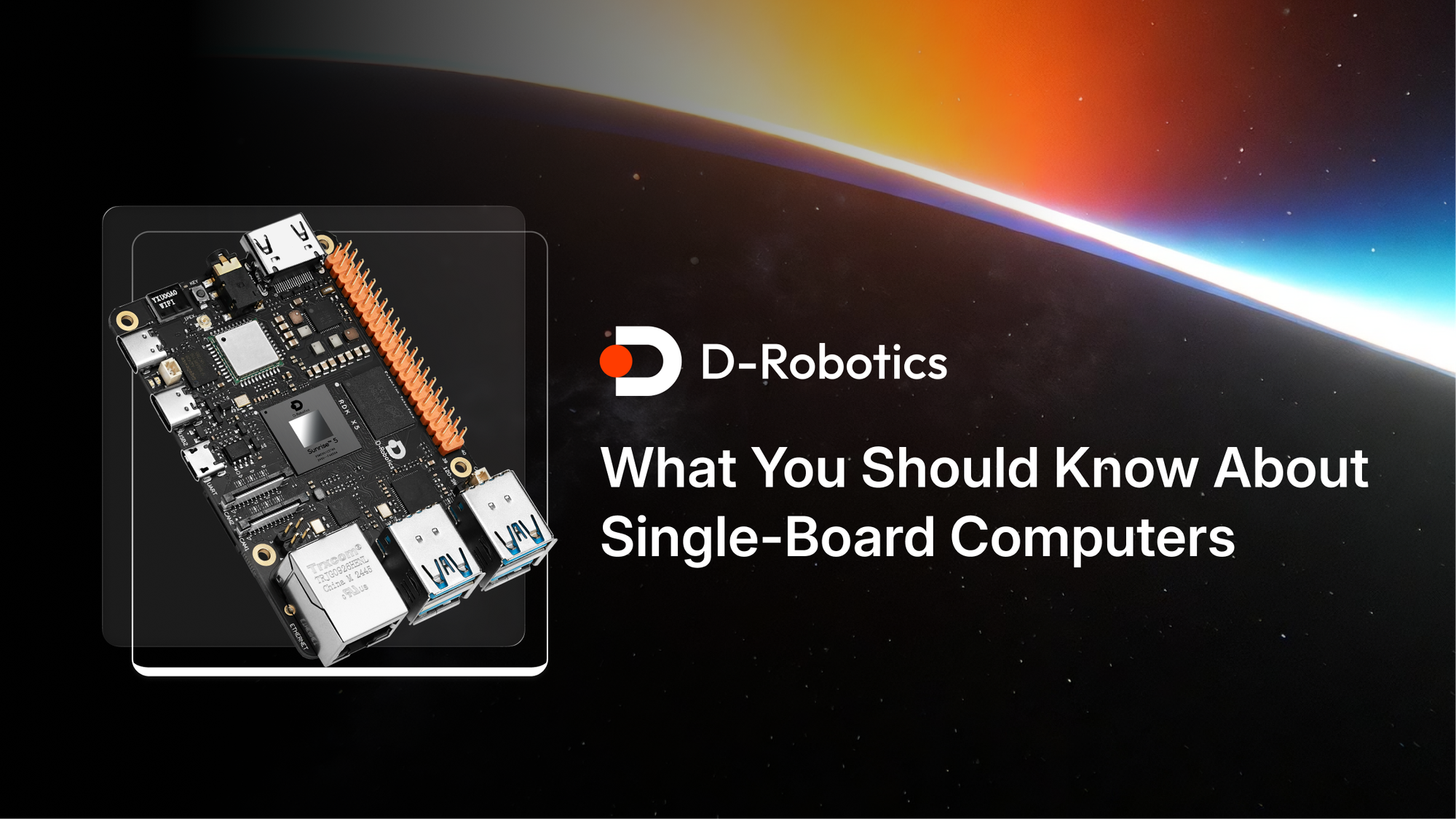
Single-board computers (SBCs) are complete computers built onto a single circuit board💡. Unlike traditional computers that consist of several components (like a motherboard, CPU, memory, etc.), an SBC integrates all the necessary parts into one compact unit. They run operating systems like Linux or Windows and can perform various tasks from simple computing to more complex applications, including automation, gaming, or even as a DIY server.
Key Components of Single-Board Computers
Here are the primary components you’ll typically find:
- CPU
- RAM
- Storage
- Ports
- Graphics
- Power Supply
Hardware for Single-Board Computers
When building or choosing an SBC, you need to understand the core hardware as well as the options for expansion.
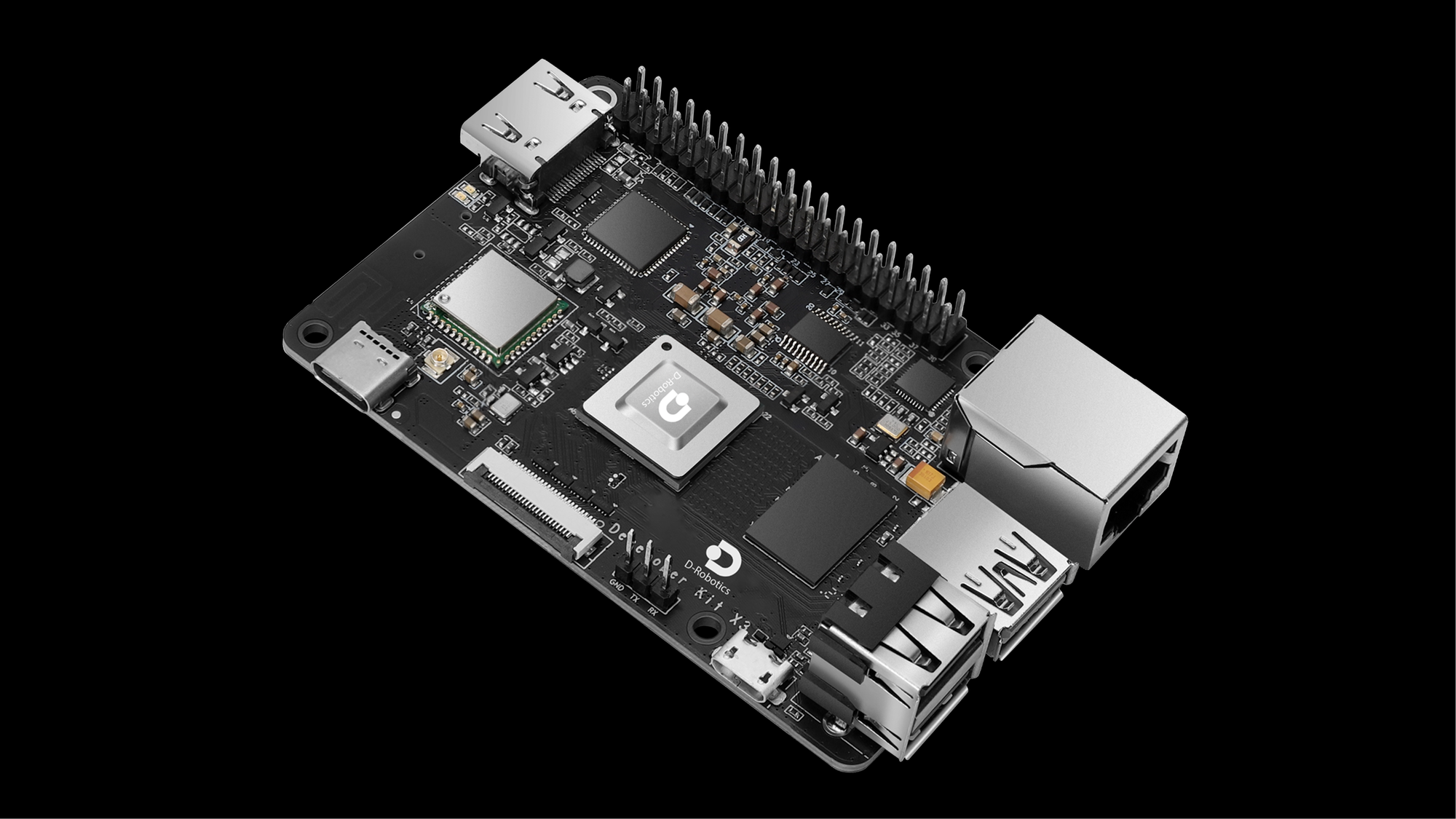
Core Hardware
| Component | Description |
| CPU | ARM-based processing units, designed for efficient and low-power consumption. |
| RAM | Typically ranges from 1GB to 8GB, depending on the SBC model. |
| Storage | Uses microSD cards or integrated eMMC storage for operating system and data storage. |
| Input/Output (I/O) | Includes USB ports, HDMI, and GPIO pins for interfacing with external devices. |
Expansion Hardware🧩
| Component | Description |
| HATs (Hardware Attached on Top) | Add-ons that extend the SBC’s functionality, such as cameras, sensors, or motors. |
| Shields | Used mainly for prototyping, adding extra I/O capabilities for more specialized needs. |
| Cameras/Displays | Small, dedicated screens or cameras that integrate easily with most SBCs for visual output. |
| Wireless Modules | Bluetooth or Wi-Fi modules that enhance connectivity, ideal for IoT or robotics projects. |
How Single-Board Computers💻 Differs from a Traditional Computer🖥️
SBCs and traditional computers serve the same basic purpose, but they have key differences:
| Feature | Single-Board Computer | Traditional Computer |
| Size | Extremely compact, can fit in your palm | Larger, requires more space for components |
| Power | Low-power consumption (typically 5V, <10W) | Higher power requirements (150W or more) |
| Cost | Affordable, typically under $100 | More expensive, can exceed $500 |
| Expandability | Limited but supports add-ons (HATs, shields) | Highly expandable with more ports and slots |
| Use Case | Ideal for DIY projects, embedded systems | Used for general-purpose computing, gaming, etc. |
How Single-Board Computers Differs from a Single Chip Computer
Though both involve integrating key components onto one unit, SBCs and single-chip computers are not the same:
| Feature | Single-Board Computer | Single Chip Computer |
| Architecture | A full computer with multiple components | A complete system on a single integrated chip |
| Size | Larger (although compact) | Extremely small, fits into a single chip |
| Application | Used for DIY projects, learning, automation | Typically used in embedded systems, devices |
| Flexibility | More flexible with peripherals and expansions | Limited to the functions programmed onto the chip |
SBCs are much more versatile, designed for broader use cases compared to single-chip computers, which are highly specialized.
What is the Difference Between MCU and SBC?
Microcontroller units (MCUs) and SBCs are often confused because they both perform computing tasks. However, they are different:
| Feature | Microcontroller Unit (MCU) | Single-Board Computer (SBC) |
| Complexity | Simple, often used for specific tasks | More complex, capable of running full OS |
| Processing Power | Low-power, limited processing capacity | More processing power, runs complete OS |
| Peripheral Support | Limited peripheral support | Extensive support for peripherals (USB, HDMI, etc.) |
| Use Case | Embedded systems, sensors, automation | General-purpose computing, IoT, media centers |
MCUs are ideal for small, dedicated tasks, while SBCs are suited for broader applications requiring a full operating system.
What is the Difference Between SoC and SBC?
While both Systems on Chips (SoCs) and SBCs integrate multiple components, they have key differences:
| Feature | System on Chip (SoC) | Single-Board Computer (SBC) |
| Components | All components (CPU, GPU, RAM, etc.) on a single chip | Full computer, integrated on a single board |
| Use Case | Primarily used in mobile devices and small embedded systems | Used for full-scale computing, including DIY projects |
| Customization | Fixed design, no room for expansion | Customizable with add-ons like HATs, shields |
| Power Consumption | Extremely low power | Relatively higher power consumption |
SoCs are used for ultra-low-power, compact systems like smartphones, while SBCs are designed for more flexible and customizable applications.👍
Are Single-Board Computers Worth It?
- SBCs are much cheaper vs. traditional desktops and laptops.
- Their low power consumption makes them ideal for battery-powered applications.
- Perfect for projects that require small form factors, like robotics or embedded systems.
- With various add-ons and shields, SBCs can be adapted to specific needs.
- Great for DIY enthusiasts and those learning about hardware and software development.
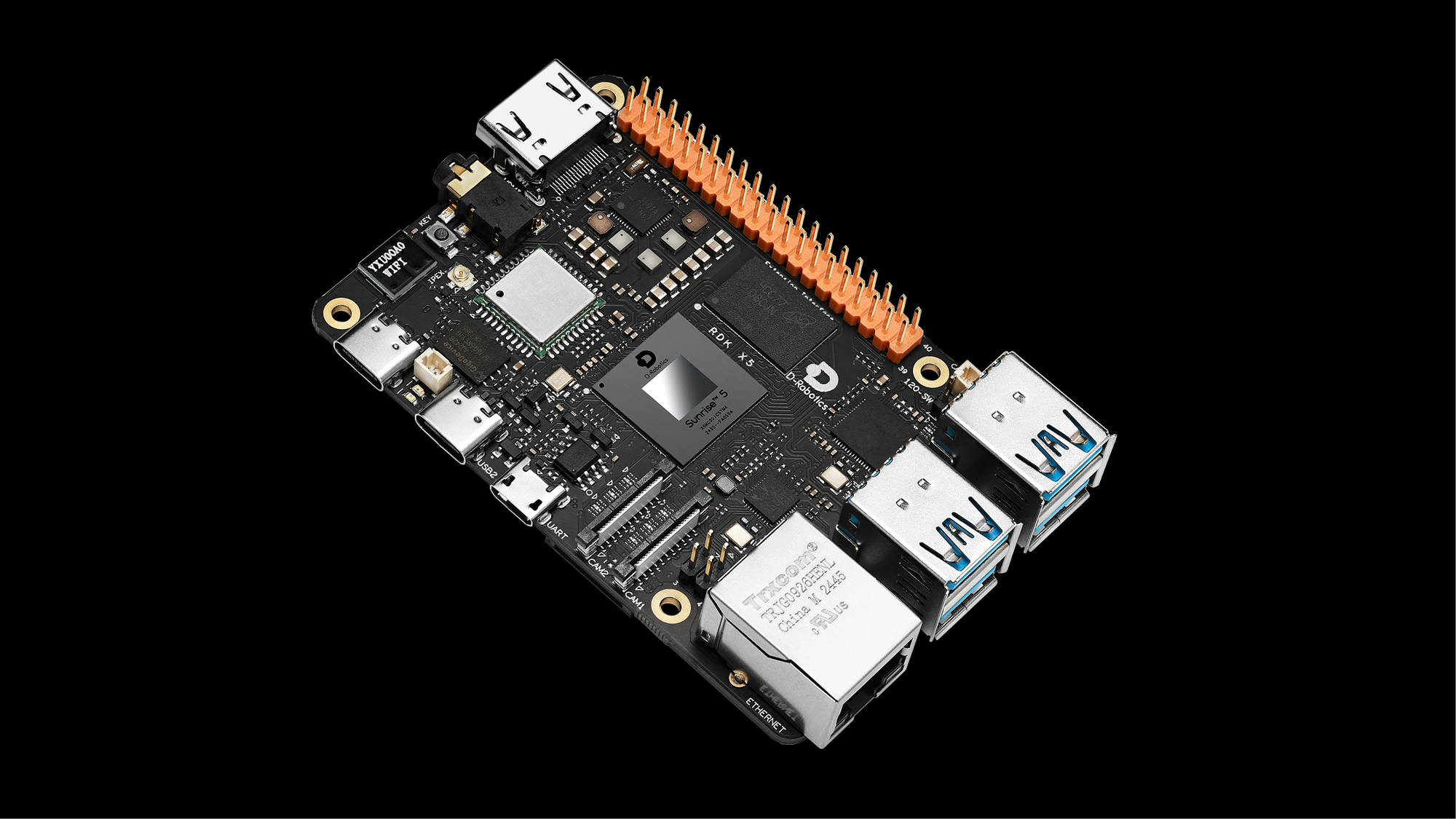
Uses of Single-Board Computers
SBCs offer an incredible range of uses:
- DIY Projects: Build your own computer, server, or media center.
- Home Automation: Control lights, security systems, and appliances.
- IoT Devices: Create custom Internet of Things devices for specific needs.
- Robotics: Use SBCs as the brain for robot projects.
- Education: Learn programming, electronics, and computer science concepts.
- Retro Gaming: Turn an SBC into a retro gaming console.
How to Build a Single-Board Computer
Building an SBC setup isn’t too complex, but it does require some key components and steps.
What You Need 🛒
| Items | Description |
| Single-Board Computer | Choose an SBC suited to your project, e.g., Raspberry Pi, Odroid, or BeagleBone Black. |
| Power Supply | Select a compatible power adapter (e.g., 5V 3A USB-C for Raspberry Pi 4). |
| Storage (microSD or eMMC card) | Use a microSD card (at least 8GB) or eMMC storage for the OS and data. Larger sizes are better for more storage. |
| Keyboard, Mouse, Monitor | Required for initial setup to interact with the OS. Later, you can use remote control methods like SSH or VNC. |
| Peripherals (optional) | Optional peripherals like Wi-Fi dongles, sensors, cameras, or GPIO components depending on your project needs. |
Steps 👣
| Step | Description |
| 1. Select an SBC based on your project needs | Choose an SBC that fits your project. For instance, use a Raspberry Pi 4 for a media center or a BeagleBone Black for robotics. Consider factors like processing power, connectivity options, and expansion potential. |
| 2. Install an operating system | Download the OS you need (e.g., Raspbian for Raspberry Pi) and write it to a microSD card using tools like Etcher. Insert the card into your SBC. The microSD card acts as storage and the OS boot device. |
| 3. Connect peripherals | Plug in your keyboard, mouse, and monitor to the SBC. These are necessary for the initial setup. If your SBC supports Wi-Fi or Bluetooth, you can also connect wireless peripherals. |
| 4. Power it up and boot into the OS | Connect the power supply to your SBC. Upon powering up, it should boot into the operating system. Follow the on-screen instructions to complete setup, including language preferences, network connections, and account creation. |
| 5. Install additional software or configure the system | Once the OS is running, install the required software for your project. Use the terminal to install packages or configure network settings. Set up the SBC for your project’s specific needs, such as a media server, robot controller, or IoT hub. |
FAQs about Single-Board Computers
What is the lifespan of a single-board computer (SBC)?
The lifespan of an SBC depends on several factors, including the quality of the components, usage conditions, and environmental factors. Typically, an SBC can last several years with proper care and cooling. Continuous heavy use or exposure to high temperatures can reduce its longevity. Always ensure proper heat dissipation to extend its lifespan.
Can I run a full-fledged operating system on a single-board computer?
Yes, most modern SBCs support full operating systems such as Linux distributions (e.g., Raspbian) or even lightweight versions of Windows. This allows users to run a range of applications, from office suites to specialized software like media centers or servers, depending on the SBC's capabilities.
Can a single-board computer be used for gaming?
While SBCs are not as powerful as traditional gaming PCs, they can handle retro gaming and some lightweight modern games, especially if paired with the right software like RetroPie or Lakka. More powerful SBCs can even emulate consoles like the PlayStation or Nintendo 64, allowing you to enjoy classic games.
Can SBCs be used in industrial applications?
Yes, SBCs are increasingly used in industrial applications, such as automation, robotics, and remote monitoring. Their compact form factor, low cost, and ability to interface with external sensors and systems make them ideal for embedded systems in industrial environments.
Do SBCs require a dedicated monitor or can I use them with a TV?
You can connect most SBCs to a standard TV via HDMI. In fact, many people use SBCs with a TV to create media centers, digital signage systems, or gaming setups. This versatility makes SBCs a practical choice for low-cost entertainment systems.
How do I add extra storage to an SBC?
Storage options for SBCs usually include microSD cards or eMMC modules. Some models allow users to connect external hard drives or USB drives to increase storage capacity. Ensure that your SBC’s ports and power supply can handle additional devices if you plan to add external storage.
Are SBCs secure for web-connected projects?
While SBCs can be secure for web-connected projects, their security largely depends on how well the system is configured🔐. Regular updates, strong passwords, and using secure communication protocols (e.g., SSH, HTTPS) are essential for maintaining security. Be sure to follow best practices for IoT and network security to safeguard your SBC.
Can SBCs support multiple displays?
Yes, many SBCs, such as the Raspberry Pi, support multiple displays via HDMI or GPIO. For example, you can connect two monitors to create a dual-screen setup for tasks such as digital signage, multitasking, or media playback. Some advanced SBCs even support up to four displays.
How do I power a single-board computer?
Most SBCs are powered via a micro-USB or USB-C connection, depending on the model. For example, the Raspberry Pi 4 requires a 5V 3A USB-C power supply. Some SBCs have an external power supply or a dedicated power input for more demanding applications. Always use the recommended power supply to avoid damaging your board.
Can I upgrade the components of an SBC?
SBCs typically have limited upgradeability compared to traditional desktop computers. Most components, such as the CPU, RAM, and storage, are either integrated or soldered onto the board. However, you can add peripherals and expansion boards (like HATs, shields, and USB devices) to extend functionality, but upgrading the core hardware isn’t usually possible.