RDK X5: Can This AI Board Really Run YOLOv8 at 220 FPS?
Build powerful robots for less. This 10 TOPS AI board delivers 220 FPS object detection and runs Ubuntu. Get the full performance breakdown here.
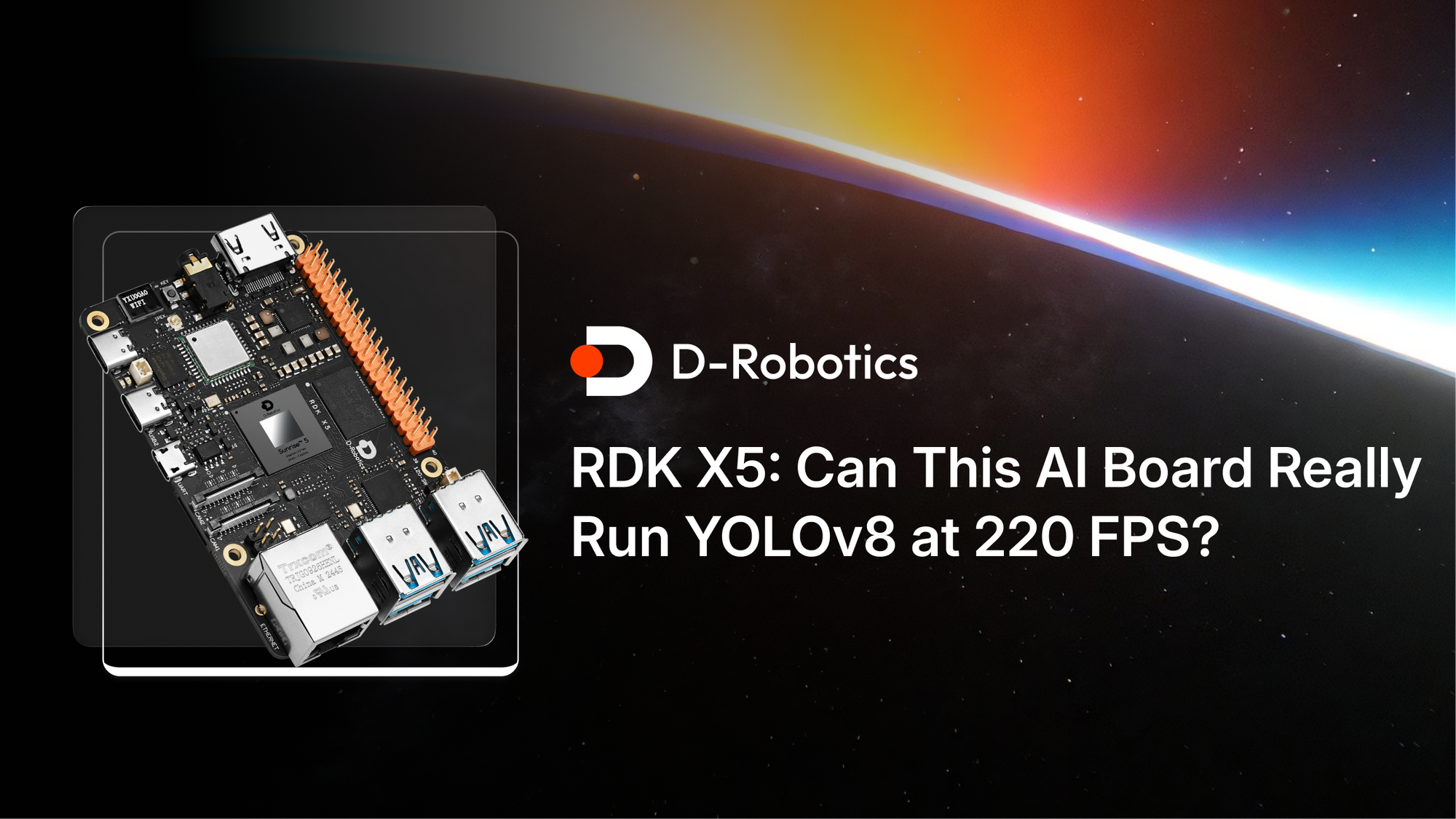
If you’ve been tracking the evolution of compact AI development boards 📈, the RDK X5 from D‑Robotics likely caught your eye. On paper, it is impressive: an 8-core Cortex-A55 processor, a 10 TOPS BPU, 4GB or 8GB of LPDDR4 memory, dual four-lane MIPI CSI inputs, Wi-Fi 6, Bluetooth 5.4, and a USB-C Flash Connect workflow. Those official specifications make it an appealing entry-level option, although pricing varies by memory configuration, bundle, retailer, and region.
But specs don’t always tell the full story🤔. So I set out to unbox it, assemble the kit, and see whether the real-world setup experience and performance live up to the hype.
Unbox the RDK X5 Kit
The packaging is surprisingly thoughtful. Inside the box, I found:
- The RDK X5 development board
- A full-metal protective case
- An RDK Stereo Camera Module included with my review kit
Each part was individually boxed and neatly arranged. While the presentation doesn’t affect performance, it definitely adds to confidence in the product's build quality.
A Closer Look at the Hardware
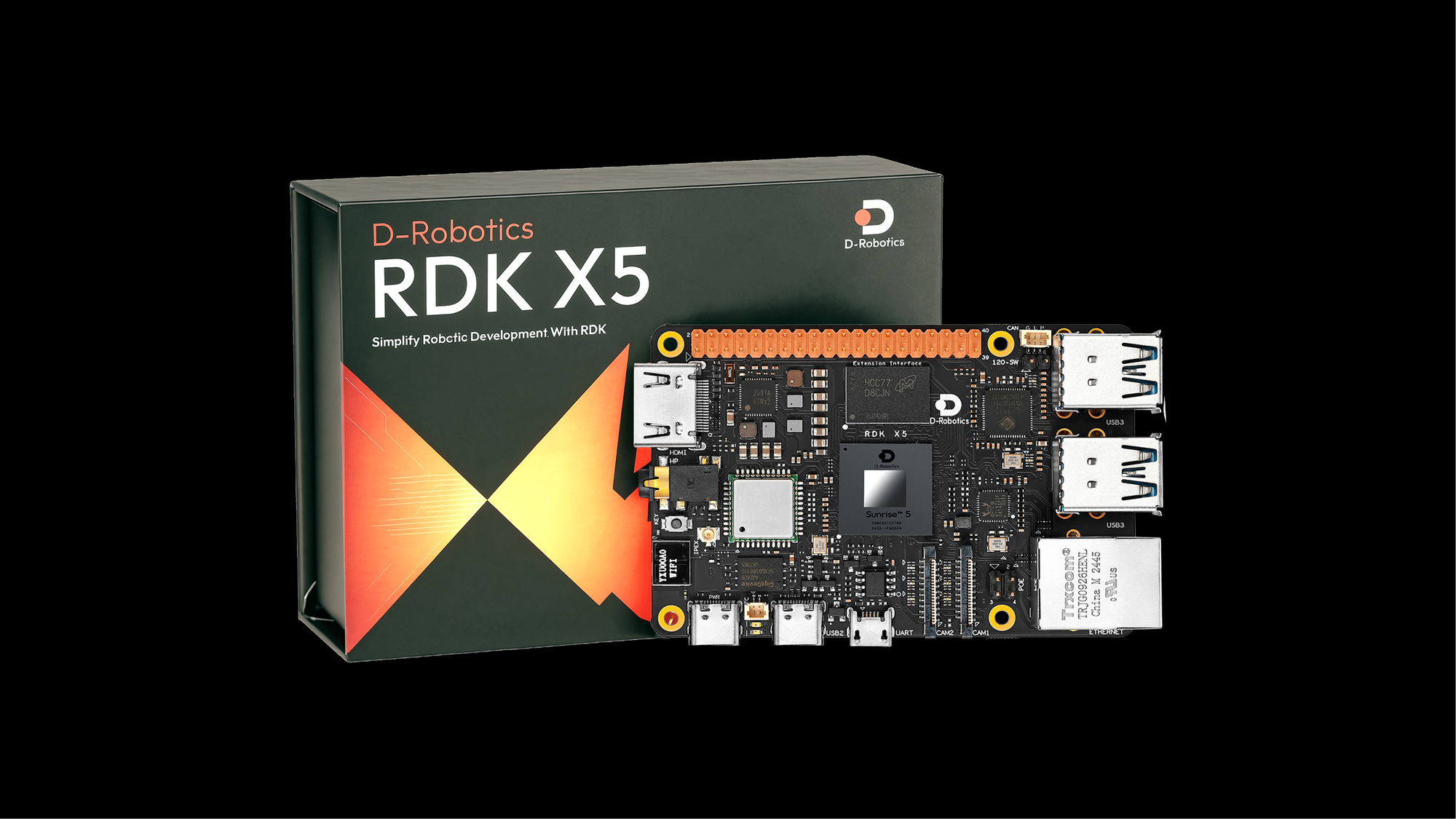
The RDK X5 is a higher-performance successor to the older X3 in D-Robotics’ lineup. The X3 featured a quad-core A53 CPU and 5 TOPS of AI power; the X5 doubles that with an octa-core Cortex-A55 and 10 TOPS BPU⚡️. It also includes a 32 GFLOP GPU, up to 8GB of RAM, and four USB 3.0 ports plus Bluetooth 5.4, PoE-enabled Gigabit Ethernet, and advanced IO like CAN FD.
The board feels solid and thoughtfully laid out, packing in components and ports with minimal wasted space. For a footprint smaller than most smartphones, it’s densely equipped.
Interface Check: What You Actually Get
Here’s a rundown of what’s on board:
- Power Input: USB Type-C (requires 5V/5A adapter)
- Indicators: Green (power) and orange (status) LEDs
- Additional Ports: USB 2.0 Type-C Device/Flash Connect port for ADB, Fastboot, and system flashing; Micro-USB debug serial port
- Video & Display: HDMI (1080p max), MIPI DSI, dual MIPI CSI
- Connectivity: Gigabit Ethernet with PoE, built-in Wi-Fi antenna, Bluetooth 5.4 🌐
- Audio: 3.5mm headphone jack with standard audio support
- Storage: microSD slot (minimum 16GB recommended)
- Expansion: 40-pin GPIO for UART, SPI, I2C, I2S, and PWM, plus a separate CAN FD interface
The breadth of interfaces makes it suitable for a wide range of robotic and embedded AI applications.
The Stereo Vision Camera
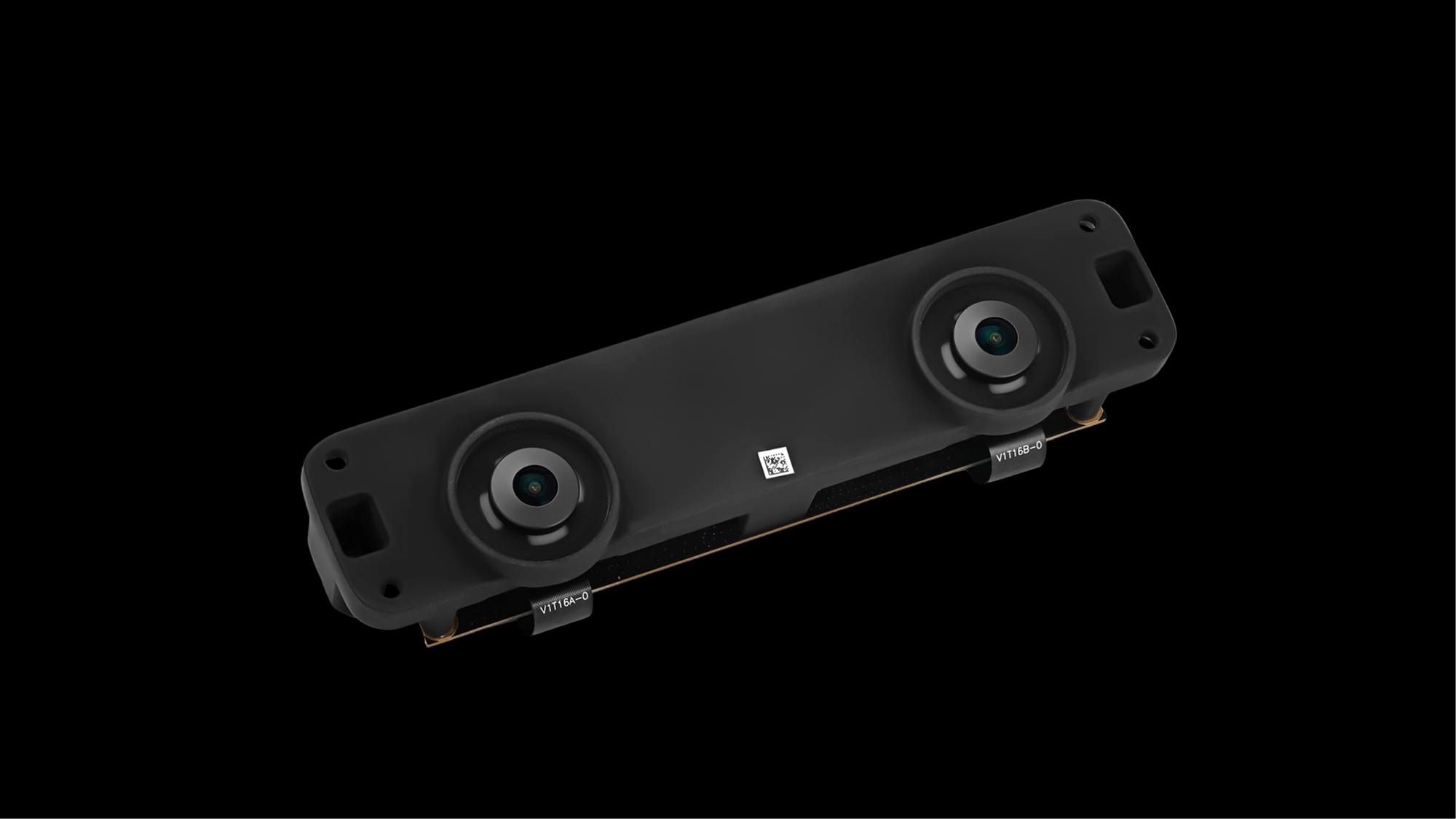
My review kit used an older CS230AI stereo camera module, which is now EOL. I used it to explore 3D vision and depth-aware AI tasks, but I would confirm the currently available stereo-camera option before ordering because this module should not be treated as a default accessory.
Depth estimation is handled via stereo matching—using the disparity between the two views to produce a 3D map. This makes it useful for robotic vision, autonomous navigation, and gesture control systems.
Install the OS: Surprisingly Painless
Here’s where I expected hiccups, but the process was remarkably smooth ✅.
- Download the OS: I grabbed the Ubuntu 22.04 pre-installed desktop image (v3.0.0) from the official D‑Robotics website.
- Flash the microSD: Used Balena Etcher to flash the image.
- Insert and Power Up: Slotted the microSD into the board, connected a display and power supply.
In less than a minute and a half, I was looking at a ready-to-use Ubuntu desktop. No BIOS config, no driver installs. Just boot and go.
Online and Operational
Connecting to Wi-Fi was equally easy. The system recognized available networks, and I connected in seconds. I tested browsing, watched some YouTube videos, and navigated the interface. Everything ran fluidly. It doesn’t feel like you’re working on a tiny board. It feels like a lean Linux desktop.
Is the AI Performance Real? Yes.
Once everything was set up, I ran the preloaded YOLOv8 object-detection demo, and its on-screen counter reached 220 FPS. I treat that figure as a demo result, not a reproducible benchmark, because my test notes do not record the exact YOLOv8 model size, input resolution, quantization, BPU compilation settings, SDK/OS version, video source, or whether post-processing was included.
What I can verify is the board’s official 10 TOPS BPU specification, and in my hands the demo felt responsive. I am not using the earlier X3’s 35 FPS figure as a direct comparison, because a fair benchmark would require both boards to run the same model, input size, quantization, software stack, and post-processing settings.
A Few Notes for Developers
- Power Matters: The board requires a 5V/5A adapter, not just any USB-C plug.
- Storage is Key: Go with Class 10 or UHS microSD, 16GB or larger.
- Camera Requires Light: For night vision, you’ll need to separately purchase IR or fill light.
Final Thoughts: Legitimate Power for Real-World AI
I came in skeptical; entry-level AI boards often involve compromises. But the RDK X5 exceeded expectations in every area that matters:
- Setup was smooth ✅
- Performance is legitimate ✅
- Hardware is thoughtfully designed ✅
- It's ready for real-world AI, robotics, and depth vision use 🤖
If you're building anything edge-AI related autonomous vehicles, AI cameras, smart kiosks, or research projects, the RDK X5 is easily one of the most capable dev boards in its class.